Bad Physics Players & Controls
Platform tips, group rewards, community habits, and the controls deep dive.
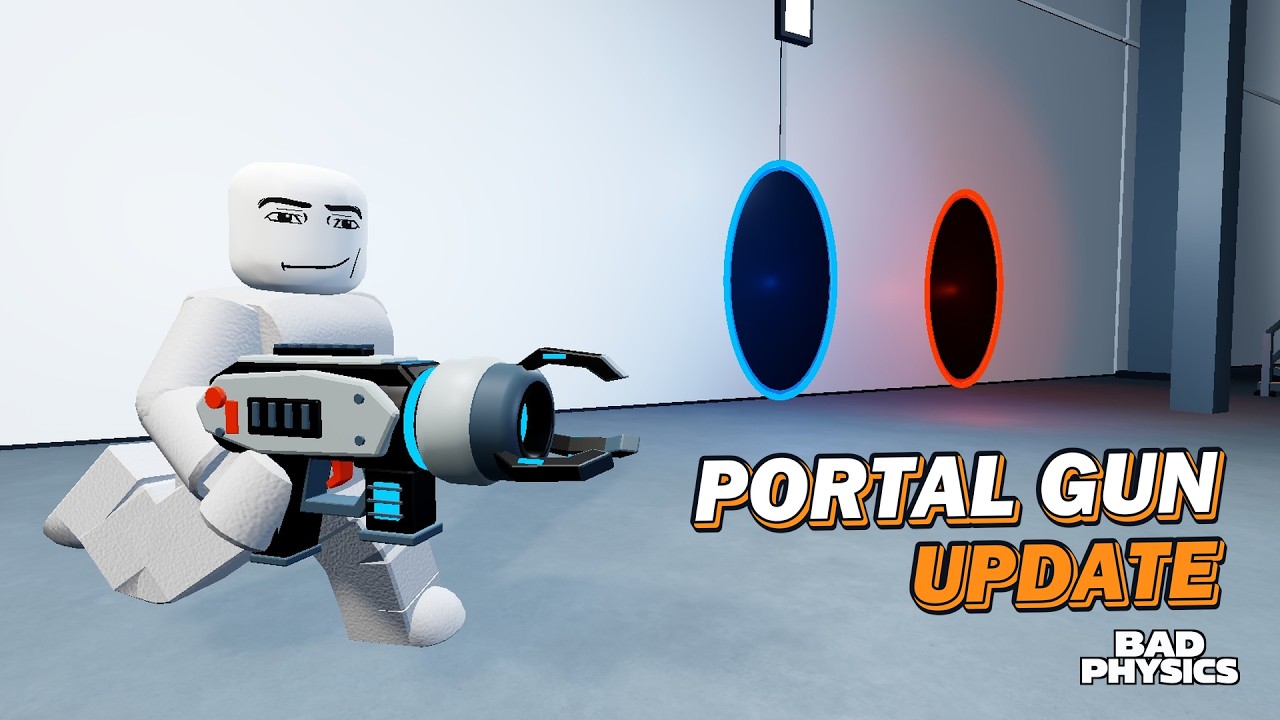
The Players hub is your home for how humans actually move through Bad Physics — not weapon stats, not patch notes, but controls, group rewards, session habits, and community tips that make ragdoll chaos smoother on PC, phone, and console.
Bad Physics by Bad Physics Studios is an all-ages Roblox ragdoll physics sandbox. You can play solo or open a private server with friends, level toward 100, earn Bolts, and jump between eight maps, 68 weapons, Gunsmith attachments, Sandbox props, vehicles, and world events. None of that feels good if camera, weapon switching, or driving fights you. Start with the detailed bind walkthrough on Controls, claim the free Bankshot path on Group Rewards, then use the tips below to structure better sessions.
Return to systems guides anytime via the Guides Hub.
Players directory
Controls
Full PC, phone, and console notes for movement, camera, weapons, and vehicles. Read Controls.
Group Rewards
Step-by-step claim for the Bad Physics Studios join gift: FREE Bankshot plus 500 Bolts, plus troubleshooting when the grant does not appear. Read Group Rewards.
Controls overview (quick)
Exact on-screen prompts can vary by device and patch, but Bad Physics follows familiar Roblox sandbox patterns:
- PC: WASD move, mouse look, click to fire, number keys or inventory UI to swap weapons, E or seat prompts for vehicles (platform-standard Roblox vehicle enter/exit).
- Mobile: on-screen thumb stick + fire button, tap inventory for weapons, tap seat icons for cars, tank, or crane.
- Console: left stick move, right stick camera, triggers for fire/aim where supported, face buttons for contextual enter/interact.
For tables, camera notes, and vehicle assumptions stated clearly as platform-standard where not uniquely documented, open the full Controls page.
Community tips that actually help
Claim progression hooks early
Join Bad Physics Studios for the free Bankshot and 500 Bolts before you shop — full steps on Group Rewards. Hit daily rewards, watch playtime rewards, and clear quests while you mess around — Bolts fund Gunsmith mags and grips that make aiming less painful. Details also live in Getting Started and the Progression Guide.
Play the map, not only the crosshair
The best players treat cannons, catapults, wrecking balls, and traps as co-weapons. Scout Switchyard and Portal Lab with the Maps Guide instead of standing in one spawn emptying mags forever.
Specialize two loadouts
Community habit: one close-range laser/grip build, one scoped mid-range build. Tune them in Gunsmith and sanity-check favorites against the Weapons Tier List.
Sandbox with a plan in private servers
Public-style solo labs are fine for quiet tests. Friend chaos nights belong in private servers with roles (builder, driver, event caller). See Sandbox Mode and Vehicles & Events.
Event etiquette
Dummy Rain is for volume, Zombie Outbreak is for pressure, Nuke is for finales. Calling Nuke on someone’s unfinished trap is how you lose private-server invites.
Device performance
Phones and consoles prefer fewer Sandbox props and shorter Dummy Rain stacks. PC hosts can densify builds. If frames drop, clear props before blaming your Gunsmith gun.
Keep codes and updates bookmarked
Reward drops and patch changes show up on Codes and the Updates Hub. Re-check controls after big UI patches.
Suggested player archetypes
Use these as identity shortcuts when coordinating friends:
- Stunt driver — cars first, tank for act two, lives on Switchyard lanes.
- Trap engineer — Sandbox funnels into map toys; hates surprise Nukes.
- Outbreak gunner — bigger mags, grips, holds Portal Lab chokepoints.
- Clip director — crane drops, friend-face dummies, slow scenic impacts (Friend Dummies).
- Tour guide — runs the five-minute map scout for newcomers; sends Group Rewards first.
Mix archetypes in a private server instead of four people all calling events at once.
Session templates
Solo warm-up (10 minutes)
- Claim dailies / group reward if needed.
- Verify binds on Controls.
- One map perimeter + one cannon shot.
- One Gunsmith tweak; stop.
Friends night (45 minutes)
- Private server; assign archetypes.
- Switchyard comedy traffic.
- Portal Lab outbreak hold.
- Sandbox finale; Nuke only if everyone votes yes.
Clip farm (30 minutes)
- Friend faces on.
- Minimal props, crane or catapult hero toy.
- Mid-range loadout; repeat angles.
- Skip Outbreak noise unless it is the subject of the video.
How this hub connects to the rest of the wiki
- Systems depth: Guides Hub — getting started, Gunsmith, sandbox, maps, vehicles and events.
- Rankings: Tier List Hub — which weapons people favor.
- Rewards: Codes Hub — redeemables when live.
- Patches: Updates Hub — what changed.
- Meta links: Wiki — studio and external pointers.
Scripts, if you choose to explore them, are isolated on Scripts and are never required for the tips on this hub.
New player onboarding script (share with friends)
Copy-paste this into chat when someone joins cold:
- Join Bad Physics Studios → Bankshot + 500 Bolts (Group Rewards).
- Open Controls for your device.
- Walk the map once; find a cannon.
- Do not Nuke yet.
- Meet at Sandbox after dailies.
That five-line script prevents most first-session frustration.
Related reading
- Controls — full PC / mobile / console reference.
- Group Rewards — FREE Bankshot + 500 Bolts steps.
- Getting Started — first-hour checklist.
- Friend Dummies — clip nights with consent.
- Guides Hub — every systems tutorial.
- Vehicles & Events — when to drive or call chaos.
Master controls, then master courtesy. Bad Physics is funniest when everyone can move, shoot, drive, and agree on when the Nuke lands.
Frequently Asked Questions
Quick answers for Bad Physics players.
Where are the full Bad Physics controls?
Open the Controls page under this Players hub for PC, mobile, and console notes covering movement, camera, weapons, and vehicles.
Can I play Bad Physics with friends?
Yes. Play solo or start a private server with friends. Private servers are best for Sandbox builds, friend-face jokes, and coordinated events.
What should new players do first?
Join Bad Physics Studios for Bankshot and 500 Bolts (see Group Rewards), claim daily rewards, learn controls for your device, then scout one map's cannons and traps before calling big events.
Where is the group Bankshot reward explained?
Open the Group Rewards page under this Players hub for step-by-step claim instructions, Bankshot tips, and troubleshooting when the grant does not appear.
Does Bad Physics run on phone and console?
Yes. It supports phone, PC, and console. Use the Controls guide for platform-standard movement and camera expectations on each device.