Bad Physics Controls
PC, mobile, and console — movement, weapons, camera, and vehicles.
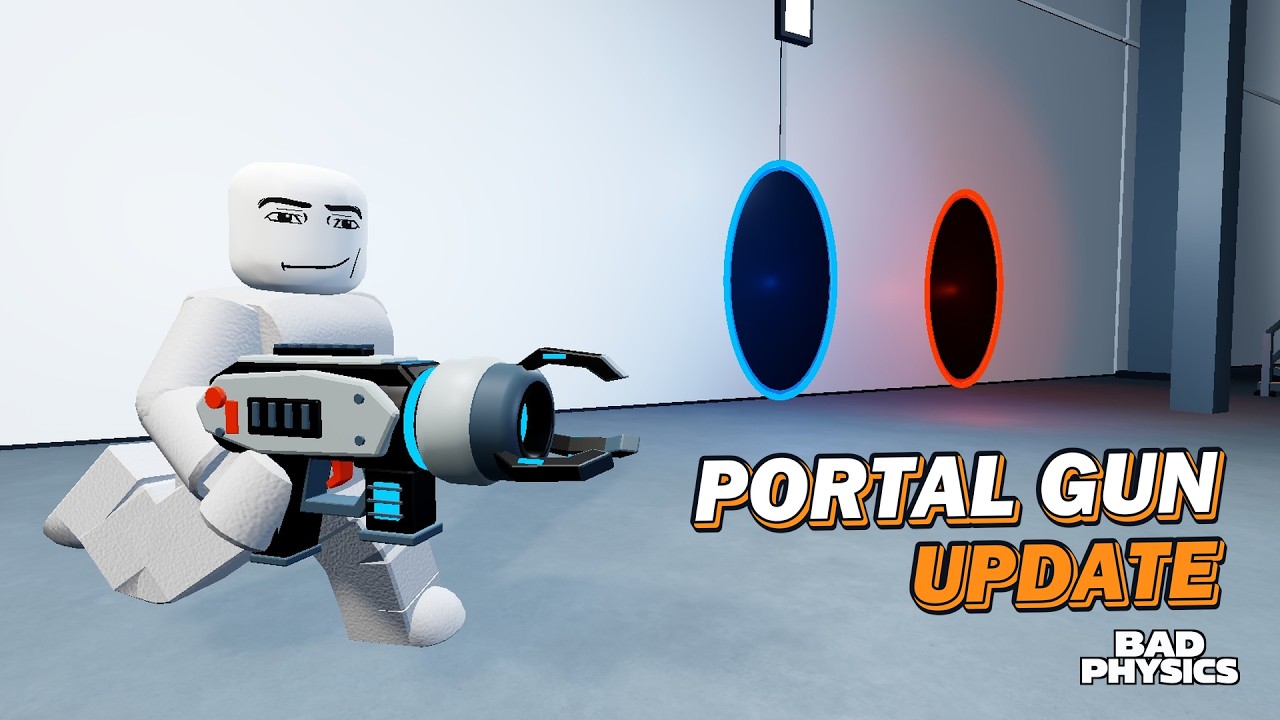
This page documents how to move, look, shoot, swap weapons, and drive in Bad Physics on PC, phone, and console. Bad Physics is a Roblox ragdoll physics sandbox, so many binds follow platform-standard Roblox patterns. Where the experience uses those standards — or where studio-specific prompts appear on screen — we say so clearly. Always trust the in-game prompt if a patch remaps a button; re-check after notes on the Updates Hub.
For session habits and community tips, return to the Players Hub. For what to do after you can move, open Getting Started.
Important disclaimer
Bad Physics Studios has not published a separate exhaustive keybind bible outside the client. The tables below combine:
- Confirmed platform support: PC, phone, and console are officially supported; the experience is all ages.
- Platform-standard Roblox controls for movement, camera, tool firing, and vehicle seats (explicitly marked).
- Contextual UI for weapons, shop, Sandbox, Gunsmith, and events — use on-screen buttons and labels when they differ from defaults.
If a control below is marked (platform-standard), treat it as the Roblox default unless your device settings or the experience UI override it.
PC controls
Movement and camera (platform-standard)
| Action | Typical bind | Notes |
|---|---|---|
| Move | WASD | Strafe while lining up cannons and catapults |
| Jump | Space | Clear low props; timing matters near traps |
| Camera look | Mouse | Sensitivity in Roblox settings |
| Sprint / stick shift | Shift (if enabled) | Depends on Roblox and experience options |
| Zoom | Scroll wheel | Useful for scoped Gunsmith aim |
Weapons and interaction
| Action | Typical bind | Notes |
|---|---|---|
| Fire / use tool | Left mouse | Primary for guns, Bankshot, melee swings |
| Aim down sights | Right mouse (when supported) | Scopes shine here — see Gunsmith |
| Swap weapons | Number keys / inventory UI | 68-weapon roster — favorites via UI |
| Reload | R (platform-standard tool reload when applicable) | Bigger mags reduce how often you need this |
| Interact / seat | E or on-screen prompt (platform-standard) | Enter cars, tank, crane |
Open weapons, shop, Sandbox, and event panels through the experience UI buttons, not only keyboard chords — labels can move between patches.
PC tips for Bad Physics
- Lower mouse sensitivity slightly when using strong scopes on Switchyard lanes.
- Keep inventory hotkeys for one close-range gun and one launcher.
- Click-to-fire plus a laser attachment is enough for most Sandbox comedy; ADS is optional.
Mobile controls
Movement and camera (platform-standard)
| Action | Typical control | Notes |
|---|---|---|
| Move | Left thumb stick | Keep thumb free of the fire cluster |
| Camera | Swipe / right stick area | Practice while walking map perimeters |
| Jump | Jump button | |
| Fire | Fire button | Large hit target helps during Dummy Rain |
| Swap weapons | Inventory / hotbar taps | Favor fewer equipped tools on small screens |
| Enter vehicle | Seat / proximity button | Cars, tank, crane |
Mobile tips for Bad Physics
- Prefer laser + grip + bigger mag loadouts so you can hip-fire without perfect ADS (Gunsmith Guide).
- Reduce Sandbox prop counts — phones feel Dummy Rain + dense props first (Sandbox Mode).
- Use shorter private-server setlists; take breaks so thumbs and thermals stay happy.
- Rotate to landscape if your device allows; map toys are easier to spot.
Console controls
Movement and camera (platform-standard)
| Action | Typical control | Notes |
|---|---|---|
| Move | Left stick | |
| Camera | Right stick | Adjust look sensitivity in Roblox settings |
| Jump | Bottom face button (A / Cross — platform-standard) | |
| Fire | RT / R2 (platform-standard tool use) | |
| Aim (when supported) | LT / L2 | Pairs with scopes |
| Interact / seat | Contextual face button / prompt | Vehicles and world buttons |
| Weapon swap | D-pad / weapon wheel / UI | Follow on-screen hints |
Console tips for Bad Physics
- Remap look sensitivity before learning Portal Lab corridors.
- Use the tank when precise car steering feels awkward in clutter.
- Event buttons are UI-driven — hover with the virtual cursor or use highlighted prompts rather than hunting mystery combos.
Camera habits that improve every device
Good camera work matters more in a physics sandbox than in a corridor shooter:
- Frame the toy. Before firing a cannon, orbit until the muzzle and landing zone share the shot.
- Back up for events. Dummy Rain and Nuke need wider FOV; stand farther than gunfights require.
- Follow the ragdoll. After impact, track the body — that is the content.
- Reset zoom after scoped shots so you do not miss nearby trap triggers.
These habits are device-agnostic and pair with the Maps Guide.
Weapon switching workflow
With 68 weapons, the bottleneck is choice, not the bind:
- Equip a primary gun tuned in Gunsmith.
- Keep Bankshot or another launcher on a hot slot after the group reward (Getting Started).
- Keep one melee or silly toy for variety clips.
- Avoid scrolling the entire roster mid-Outbreak — pre-select before Zombie Outbreak.
Switching is UI + hotkeys (platform-standard patterns). Name your mental loadouts so friends know what “swap to rain gun” means.
Vehicle controls
Cars, the tank, and the crane use Roblox-style vehicle possession:
| Step | What to do | Standard? |
|---|---|---|
| Enter | Walk to seat / cabin, press interact prompt | Platform-standard |
| Drive / steer | Move stick or WASD | Platform-standard |
| Camera | Mouse or right stick while seated | Platform-standard |
| Exit | Jump / interact / exit prompt | Platform-standard |
| Crane aim / lift | Use on-screen vehicle controls once seated | Follow client UI |
Inferred from sandbox norms (verify in client): trigger or click may fire vehicle-mounted interactions if present; if nothing happens, the vehicle is movement-only and you should hop out to use weapons.
Vehicle strategy — when to pick cars vs tank vs crane — is covered in Vehicles & Events, not only here.
Sandbox, Gunsmith, and event panels
These systems are menu-driven:
- Open Sandbox from the experience UI to spawn props and tweak chaos options.
- Open Gunsmith from weapon customization entry points to add scopes, lasers, grips, and bigger mags.
- Call Nuke, Dummy Rain, or Zombie Outbreak from the events UI when available.
There is no universal Roblox default key that replaces those panels. Learn their icons once per patch, then muscle memory takes over.
Accessibility and comfort settings
Use Roblox client settings (platform-standard) to help:
- Lower camera sensitivity if scoped aiming feels twitchy.
- Increase UI scale on console/TV if shop text is hard to read.
- Volume down during Nuke finales if you are on headphones.
- Take breaks during long private-server Outbreak marathons.
Bad Physics is meant to be silly, not stressful — adjust until controls disappear and ragdolls remain.
Practice drill (five minutes)
- Spawn on any map; walk a square with only movement keys/stick.
- Flick camera to a cannon, then back to a dummy cluster.
- Fire ten shots hip-fire; ten ADS if your device supports it.
- Swap to Bankshot; launch once into a toy.
- Enter a car, drive a short lane, exit, re-equip your gun.
If any step fights you, stay on this drill before building Sandbox traps.
Related pages
- Players Hub — community tips and archetypes.
- Getting Started — first-session checklist.
- Gunsmith Guide — why attachments change aim feel.
- Vehicles & Events — what to do after you can drive.
- Guides Hub — full tutorial index.
- Codes — redeem while you remember the menus.
Learn controls until they are boring. In Bad Physics, boring binds are what let spectacular ragdolls steal the show.
Frequently Asked Questions
Quick answers for Bad Physics players.
Are these Bad Physics keybinds official?
Movement, camera, tool fire, and vehicle seat prompts follow platform-standard Roblox patterns and on-screen experience UI. Always prefer the client prompt if a patch changes a bind.
How do I enter the tank or crane?
Walk up to the vehicle and use the on-screen seat or interact prompt — the same platform-standard flow as other Roblox vehicles. Exit with jump or the exit prompt.
What is the best control setup on mobile?
Use hip-fire-friendly Gunsmith loadouts (laser, grip, bigger mag), keep fewer hotbar weapons, and reduce Sandbox prop spam so the thumb stick and fire button stay responsive.
Where do I open Sandbox or call a Nuke?
Those are experience UI panels, not universal Roblox keys. Use the in-game buttons for Sandbox, Gunsmith, and events; re-check their icons after updates.
Does console aim work with scopes?
When the weapon supports aiming, use the left trigger (platform-standard) with a Gunsmith scope. Adjust right-stick sensitivity if Switchyard long shots feel unstable.